Digital Delivery
Once your payment has been confirmed, your digital code will be sent to the email address provided at checkout.
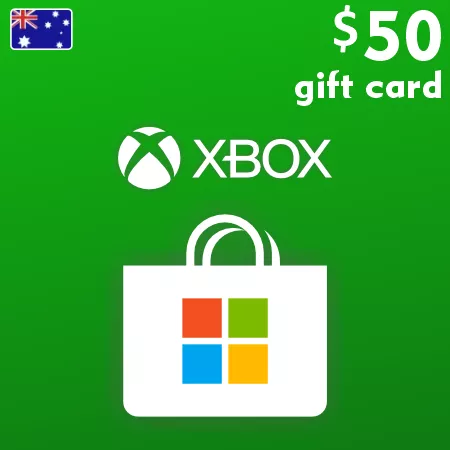
Xbox Gift Card 50 AUD – Australia Digital Code
Digital Delivery
Once your payment has been confirmed, your digital code will be sent to the email address provided at checkout.
 Digital Key
Add 50 AUD of Flexible Microsoft Store Credit
The Xbox Gift Card 50 AUD adds AU$50 to a compatible Australia Microsoft account. After redemption, the account holder can choose eligible Store products instead of receiving one predetermined game or fixed subscription period.
This mid-range value can suit a planned digital purchase, several lower-priced items or a balance kept for later use. Eligible options may include games, add-ons, in-game content, apps and Xbox-related subscriptions. Check live Store prices and the existing balance before ordering.
Made for Australian Accounts
Only purchase this gift card for a Microsoft account registered in Australia with AUD as its Store currency. A US, Canadian or New Zealand account displaying prices with a similar $ symbol is not compatible. Once redeemed, the credit cannot be converted or moved to another account.
Digital Delivery
The 25-character code is sent to your checkout email after payment confirmation. Verify the intended account and displayed 50 AUD or AU$50 value before confirming redemption. No physical product will be delivered.
How to Redeem an Australian Xbox Gift Card
Before activation, sign in to the Microsoft account that should receive the balance and confirm that its country or region is Australia. Check the existing account balance and recent redemptions so the code does not exceed Microsoft’s current limits.
Redeem the Code Online
- Go to redeem.microsoft.com.
- Sign in to the intended Australia Microsoft account.
- Enter or paste the 25-character code from the order email.
- Select Next.
- Check that Microsoft displays the expected AUD or AU$ value.
- Confirm the redemption only if the account and value are correct.
After successful redemption, the full gift-card value is added to the account balance. It can then be used for eligible purchases through participating Microsoft digital stores.
If the Code Is Not Accepted
- Check every character and remove spaces copied before or after the code.
- Confirm that the account country or region is Australia.
- Make sure the account Store uses AUD rather than USD, CAD, NZD or another currency.
- Review the balance and order history in case the code was already applied.
- Check whether the 1,520 AUD balance or daily redemption limit has been reached.
- Keep the exact error message when contacting support.
Do not use a VPN or temporary region change as a workaround. Redeemed AUD balance cannot be converted into another currency or transferred to another Microsoft account.