Digital Delivery
Once your payment has been confirmed, your digital code will be sent to the email address provided at checkout.
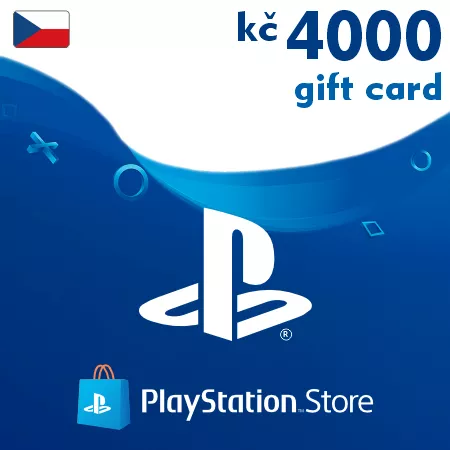
PSN Card 4000 CZK (Czech Republic) – PlayStation Gift Card
Digital Delivery
Once your payment has been confirmed, your digital code will be sent to the email address provided at checkout.

 Digital Key
 EU region
PSN Card 4000 CZK Czech Republic – High-Value Digital Credit
This 4000 CZK PlayStation gift card is a high-value digital wallet code for PlayStation accounts registered in the Czech Republic. It is designed for users who make larger or frequent purchases in the PlayStation Store.
For Active PlayStation Users
The 4000 CZK value is useful if you want to keep a strong balance available for new releases, PlayStation Plus, premium editions, and additional game content.
Popular Ways to Use 4000 CZK
- Buying multiple digital games
- Purchasing deluxe or ultimate editions
- Extending PlayStation Plus
- Adding expansion passes and DLC collections
- Funding in-game purchases over time
Convenient for Long-Term Spending
A high wallet balance can make future PlayStation Store purchases faster and easier, especially during seasonal sales or major game launches.
Digital Code Delivery
After payment confirmation, the PSN code is sent electronically to your email address. Most purchases are processed automatically.
Czech PSN Account Required
Important: this PlayStation gift card can only be redeemed on accounts registered in the Czech Republic.
Always confirm your account region before completing the purchase.
Frequently Asked Questions
Can this balance cover several purchases?
Yes, the redeemed wallet balance can be used across multiple eligible PlayStation Store purchases.
Is this a digital product?
Yes, this is a digital PSN wallet code delivered by email.
Can the code be used on another regional account?
No, it is valid only for Czech PlayStation accounts.
How to Redeem a Czech PSN Gift Card
- Sign in to your PlayStation account
- Open the PlayStation Store
- Select Redeem Codes
- Enter your PSN code
- Confirm activation and the balance will be added to your wallet
Important: this code can only be redeemed on PlayStation accounts registered in the Czech Republic.
You can activate your code through your PlayStation console or via the official PlayStation Store website.