PSN in Serbia, Montenegro and Bosnia: Croatian Account and PSN Cards in EUR
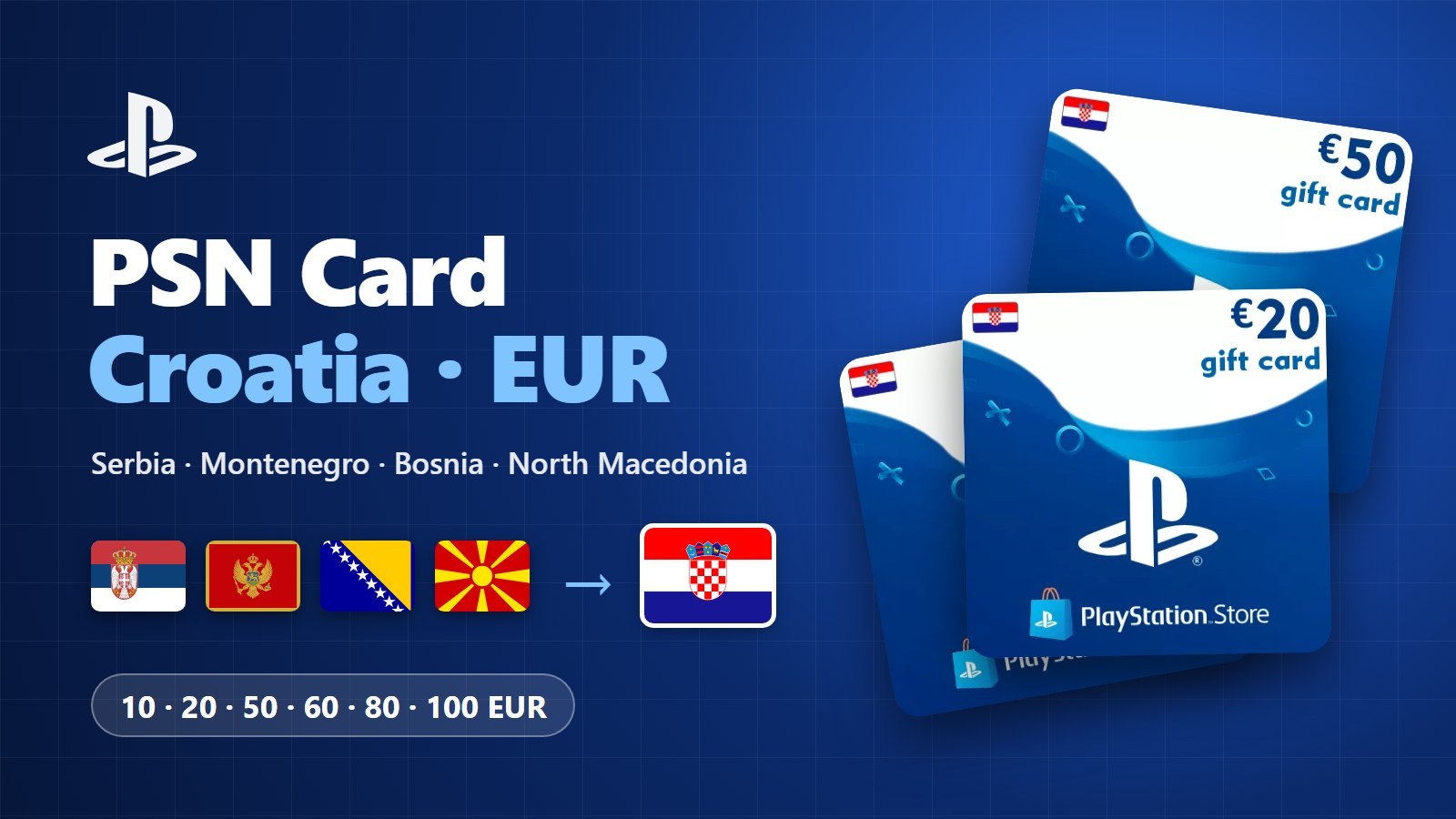
There is no local PlayStation Store in Serbia, Montenegro, Bosnia and Herzegovina or North Macedonia. That is why most players in the region use a Croatian PlayStation account and top it up with Croatian PSN gift cards in euros. This guide explains how it works, which card to buy and how to add the money to your wallet.
Why a Croatian account?
Croatia is the closest PlayStation Store to the whole region, and it works in euros. Prices, PlayStation Plus and all the usual games and add-ons are there, and the store is easy to use in Croatian or English. It is also simply what most of your friends already use, so sharing games and parties is easy.
- Currency: EUR — no conversion surprises, especially in Montenegro, where the euro is the everyday currency.
- Payment: you do not need a Croatian bank card. You top up the wallet with a PSN gift card code.
- PlayStation Plus: the subscription can be paid from the wallet balance.
Step 1. Check the country of your account
The most important rule: a PSN card only works on an account from the same country. A Croatian card works only on a Croatian account — a German or Austrian card will not work on it, even though they are also in euros.
To see your account country, sign in at playstation.com, open Account Management and look at the country/region in your personal information. A quick hint: with a Croatian account the PlayStation Store shows prices in euros.
The country of a PlayStation account cannot be changed after the account is created. If your account is already from another country, buy cards for that country — or read our guide How to change region on PlayStation.
Step 2. Create a Croatian PlayStation account (if you do not have one)
- On the console, add a new user, or go to playstation.com and choose Create account.
- In the Country/Region field select Croatia. This is the step that decides everything — it cannot be changed later.
- Enter your real name and date of birth and an e-mail address you have access to, then confirm the e-mail.
- Sign in on your PS5 or PS4. The PlayStation Store now shows prices in euros.
Step 3. Choose a Croatian PSN card
All Croatian PSN gift cards are digital codes in euros. Popular amounts:
- PSN card 10 EUR (Croatia) — for add-ons and small purchases;
- PSN card 20 EUR (Croatia) — a good choice for in-game currency;
- PSN card 50 EUR (Croatia) — for a new game or a PlayStation Plus subscription.
Bigger amounts — 60, 80 and 100 EUR — are also available in the Croatia section. Cards can be combined: two codes simply add up in your wallet.
Step 4. Redeem the code
- PS5: open PlayStation Store, select … (More) and then Redeem Code, enter the 12-character code.
- PS4: open PlayStation Store, scroll down the menu and select Redeem Codes.
- Browser: sign in at store.playstation.com, click your avatar and choose Redeem Code.
- PlayStation App: open the store, tap the menu and choose Redeem Code.
The money appears in your wallet immediately and can be spent on games, add-ons, in-game currency and PlayStation Plus.
How to buy at Balticgame.codes
Choose the amount, enter your e-mail and pay with a bank card or another method available for your country. The code is sent to your e-mail right after the payment is confirmed, usually within a minute — you do not have to wait for a physical card.
Frequently asked questions
Will a Croatian card work on a Serbian or Bosnian account?
PlayStation has no Serbian, Montenegrin, Bosnian or Macedonian store, so such accounts are normally registered in another country. The card must match that country: for a Croatian account buy a Croatian card.
Can I use a German or Austrian PSN card on a Croatian account?
No. Even though they are all in euros, the card and the account must be from the same country.
Can I pay for PlayStation Plus with a PSN card?
Yes. Add the code to your wallet and then buy or renew PlayStation Plus — the price is taken from the wallet balance.
My account is already from another country. What now?
Keep using it and buy cards for that country — the account country cannot be changed. Cards for many countries are in our PSN section.
Ready to top up? Go to Croatian PSN gift cards and get your code in minutes.