Apple Gift Card (iTunes): How to Top Up Your Apple Account and Choose the Right Country
An Apple Gift Card is the easiest way to top up your Apple Account without a bank card. It is the same thing many people still call an iTunes gift card or an App Store card: you enter a code, and the money appears on your Apple Account balance. This guide explains which card to choose, why the country matters more than anything else, and how to redeem the code in a minute.
iTunes gift card, App Store card or Apple Gift Card?
They all add money to the same place — your Apple Account balance (Apple Account is the new name of Apple ID). Apple replaced the old iTunes and App Store & iTunes cards with one Apple Gift Card for everything Apple. Old iTunes and App Store cards still work: you redeem them in exactly the same way.
- One balance for apps, games, subscriptions, music, films and books.
- No bank card needed — useful for children, for gifts and for anyone who does not want to keep a card in the account.
- A digital code — you do not wait for a plastic card, the code comes by e-mail.
The main rule: the card must match the country of your Apple Account
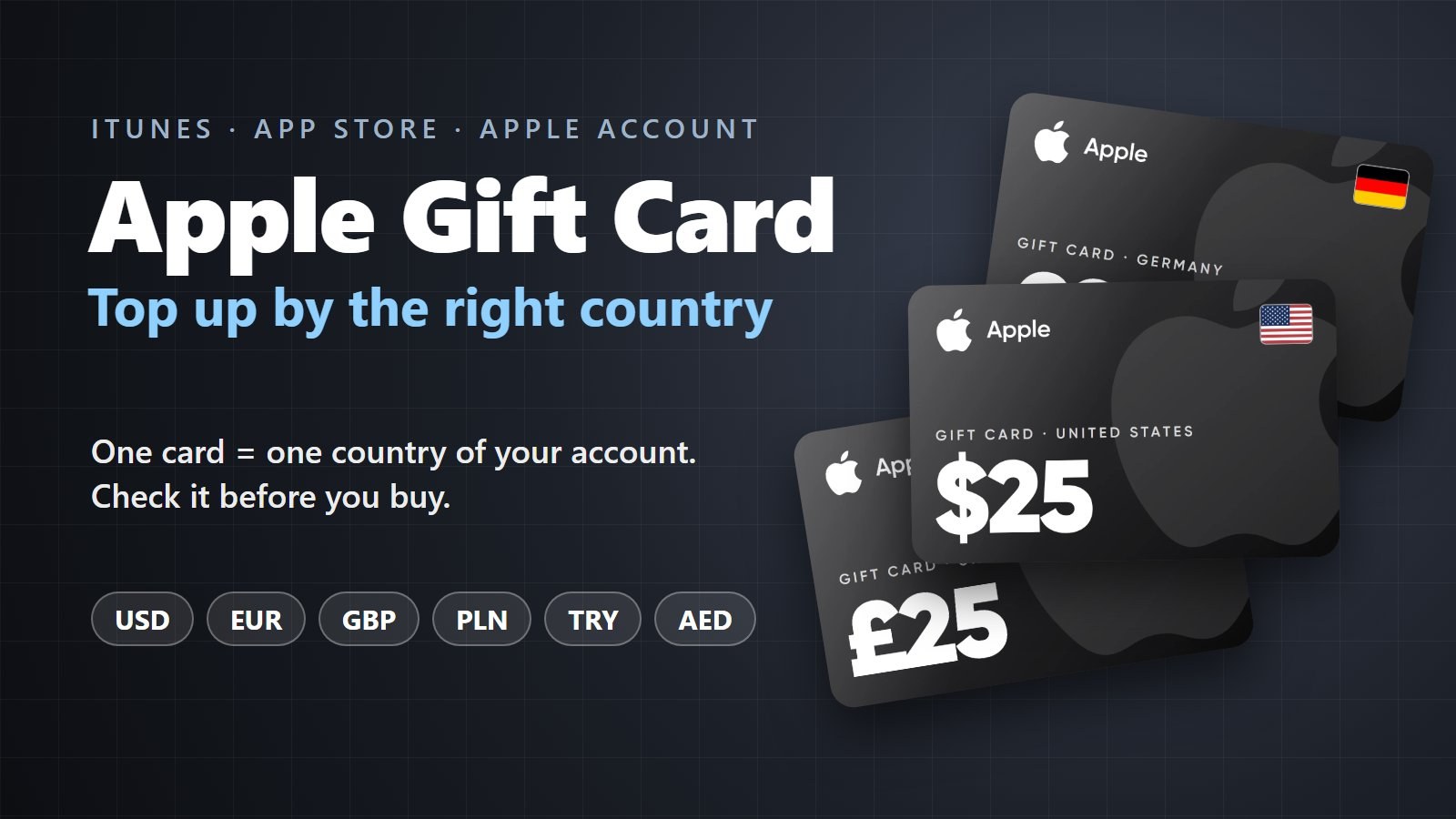
An Apple Gift Card works only in the country or region where it was issued. A US card works only on a US account, a German card only on a German account — even though Germany, France and Spain all use euros, their cards are not interchangeable. If the countries do not match, the code is rejected with a message like «This code can only be redeemed in the … store».
How to check the country of your Apple Account:
- On iPhone or iPad open Settings, tap your name, then Media & Purchases → View Account.
- Look at Country/Region. Buy a card for exactly this country.
You can also see it after signing in at account.apple.com → Personal Information.
Should you change the country of the account? Usually not. To change it, Apple asks you to spend the whole balance, cancel subscriptions and wait until they end, and often to add a payment method from the new country. It is much simpler to buy a card for the country your account already has. Apple describes the process here: Change your Apple Account country or region.
Which card to choose: countries and currencies
We have Apple Gift Cards for more than 25 countries. The most popular ones:
| Your account | Currency | Example |
|---|---|---|
| USA | USD | Apple Gift Card 25 USD (USA) |
| United Kingdom | GBP | Apple Gift Card 25 GBP (UK) |
| Germany | EUR | Apple Gift Card 25 EUR (Germany) |
| France | EUR | Apple Gift Card 25 EUR (France) |
| Spain | EUR | Apple Gift Card 25 EUR (Spain) |
| Italy | EUR | Apple Gift Card 25 EUR (Italy) |
| Netherlands | EUR | Apple Gift Card 25 EUR (Netherlands) |
| Portugal | EUR | Apple Gift Card 25 EUR (Portugal) |
| Belgium, Austria, Ireland, Luxembourg | EUR | Apple Gift Card 25 EUR (Belgium) |
| Poland | PLN | Apple Gift Card 100 PLN (Poland) |
| Turkey | TRY | Apple Gift Card 100 TRY (Turkey) |
| UAE / Saudi Arabia | AED / SAR | Apple Gift Card 100 AED (UAE) |
| Canada, Australia, Japan | CAD, AUD, JPY | all countries and amounts |
Every country has several amounts — from small cards for one app to large ones for a year of subscriptions. Cards add up: two codes simply increase the same balance.
What you can pay for with the balance
- App Store: apps, games and in-app purchases (game currency, extra levels, premium features);
- subscriptions: iCloud+ (more storage for photos and backups), Apple Music, Apple TV, Apple Arcade, Apple One;
- films, music and books in the Apple TV app, the iTunes Store and Apple Books;
- in some countries — also Apple products and accessories on apple.com and in the Apple Store app.
Subscriptions are taken from the balance first, so a card is a convenient way to pay for iCloud+ or Apple Music for several months ahead.
How to redeem the code (add money to your Apple Account)
- iPhone or iPad: open the App Store, tap your photo in the top right corner and choose Redeem Gift Card or Code. Choose Enter Code Manually and type the 16-character code.
- Mac: open the App Store, click your name in the sidebar and choose Redeem Gift Card.
- Windows: open the Apple Music or Apple TV app, click your name at the bottom of the sidebar and choose Redeem.
The money appears on the balance immediately. Apple's own instructions: Redeem your Apple Gift Card.
If the code is not accepted
- «Can only be redeemed in the … store» — the card is for another country. Check the country of your account (see above).
- «Already redeemed» — check the balance: the code may already be on your account, for example if you entered it on another device.
- «Not valid» — check similar characters (0 and O, 1 and I) and enter the code manually instead of scanning it.
- The balance does not update — sign out of the App Store and sign in again.
If none of this helps, write to our support with the order number — we will check the code together with you.
How to buy at Balticgame.codes
Choose the country and amount, enter your e-mail and pay with a bank card or another method available in your country. The code is sent to your e-mail right after the payment is confirmed, usually within a minute.
Frequently asked questions
Is an iTunes gift card the same as an Apple Gift Card?
Yes. Apple replaced iTunes and App Store & iTunes cards with one Apple Gift Card. Both add money to the same Apple Account balance and are redeemed the same way.
Can I use a German Apple card on a French account?
No. Even though both are in euros, the card and the account must be from the same country.
Can I top up my Apple ID without a bank card?
Yes — that is exactly what a gift card is for. Redeem the code and pay for apps and subscriptions from the balance. For some purchases Apple may still ask you to keep a payment method on file.
Can I pay for iCloud+ or Apple Music with a gift card?
Yes. Subscriptions are paid from the Apple Account balance first, and the rest from your payment method, if there is one.
Does the balance expire?
No, money on the Apple Account balance does not expire. It cannot be withdrawn as cash.
Ready to top up? Choose your country in the Apple Gift Card section and get your code in minutes.
Apple, App Store, iTunes and iCloud are trademarks of Apple Inc. Balticgame.codes is an independent store and is not affiliated with Apple.