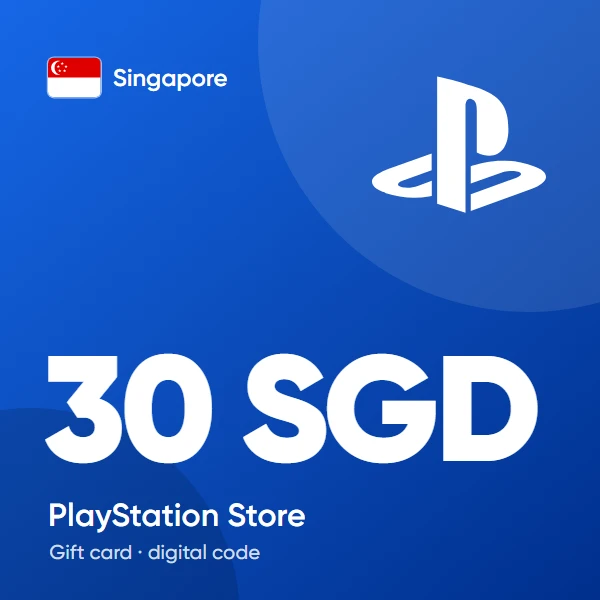
Digitalna dostava
Nakon potvrde plaćanja, vaš digitalni kod bit će poslan na adresu e-pošte koju ste naveli prilikom dovršetka narudžbe.
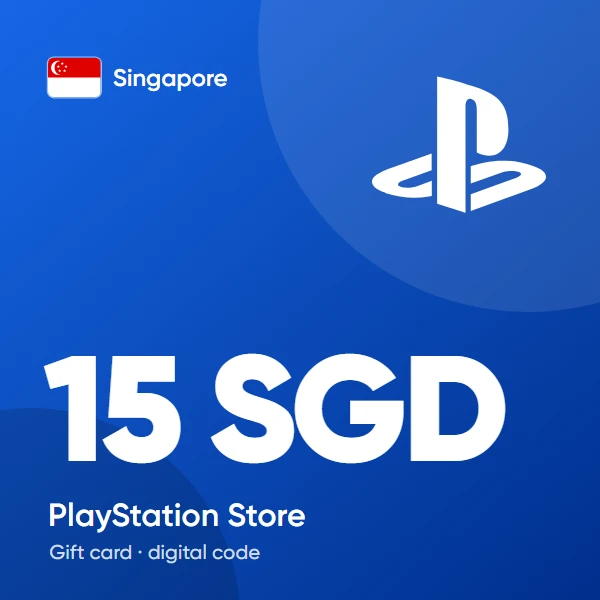
PSN Kartica 15 SGD (Singapur) – PlayStation Poklon-Kartica
11.41 €
Digitalna dostava
Nakon potvrde plaćanja, vaš digitalni kod bit će poslan na adresu e-pošte koju ste naveli prilikom dovršetka narudžbe.
Plaćanja prihvaćena širom svijeta 🌍

5/5
(1 votes)
 Digital Key
How to Redeem a Singapore PSN Gift Card
- Sign in to the PlayStation account where you want to add the wallet credit
- Confirm that the registered account country is Singapore
- Open the PlayStation Store on your console, in the PlayStation App, or through a supported web browser
- Select the option to redeem a code from the store or account menu
- Enter the delivered code carefully and review the displayed value
- Confirm the redemption to add the SGD balance to your PlayStation wallet
Compatibility notice: Singapore PSN codes are region-locked and cannot be activated on PlayStation accounts registered in another country.
After successful redemption, the wallet balance can be used for eligible games, PlayStation Plus, DLCs, add-ons, in-game content, and other products available in the Singapore PlayStation Store.