Dostawa cyfrowa
Po potwierdzeniu płatności Twój kod cyfrowy zostanie wysłany na adres e-mail podany podczas składania zamówienia.
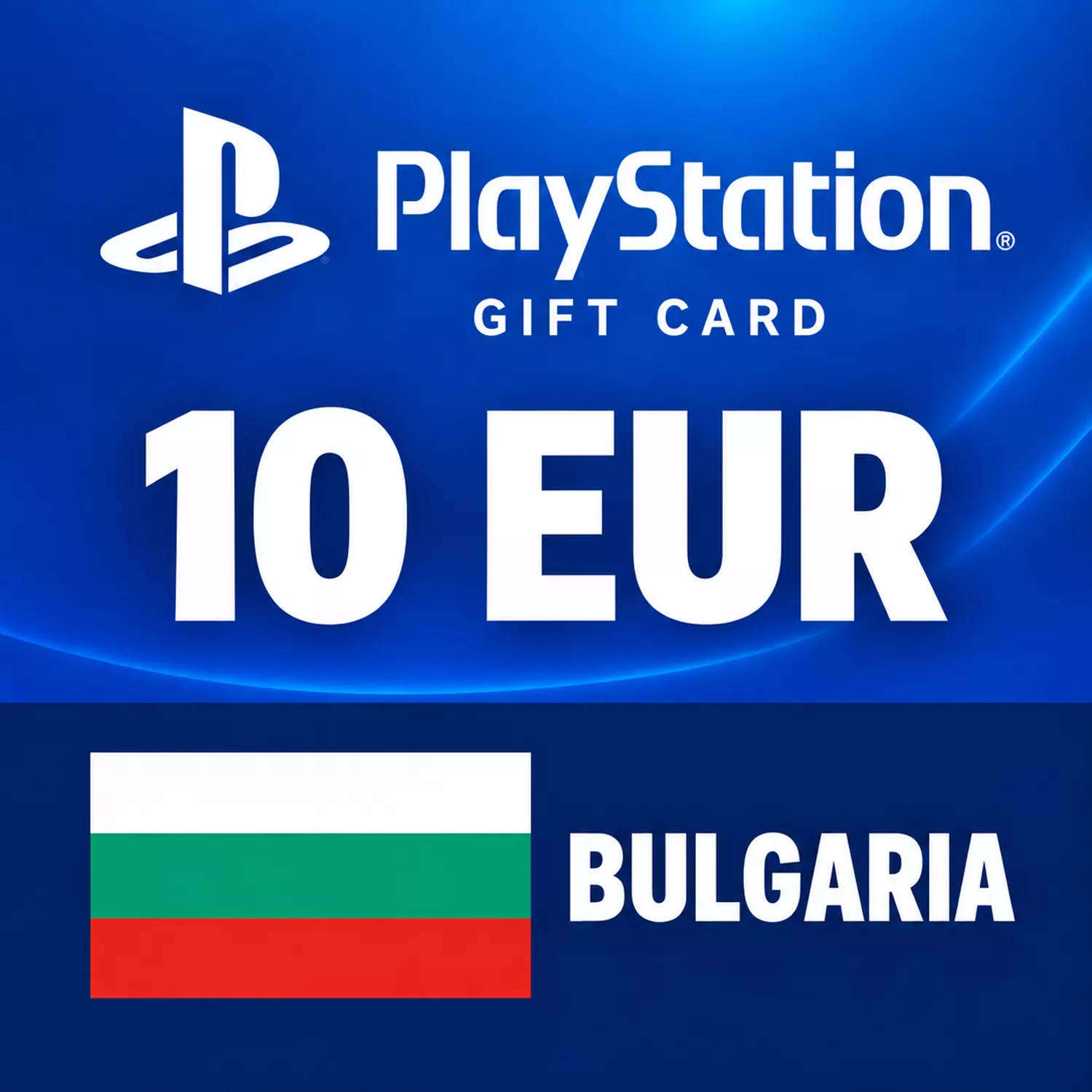
Karta Podarunkowa PlayStation Store 10 EUR – BuÅ‚garia
Dostawa cyfrowa
Po potwierdzeniu płatności Twój kod cyfrowy zostanie wysłany na adres e-mail podany podczas składania zamówienia.
 Digital Key
10 EUR na Twój Bułgarski Portfel PlayStation
Dodaj 10 € do swojego bułgarskiego portfela PlayStation za pomocą tej cyfrowej karty podarunkowej. Wybierz treści, które chcesz w Sklepie po zrealizowaniu karty lub skorzystaj z kredytu razem z saldem, które już posiadasz.
- Kredyt w portfelu: 10 EUR (€10)
- Kraj konta: Bułgaria
- Format: Doładowanie portfela cyfrowego
- Dostawa: E-mail po potwierdzeniu płatności
Przed wyborem tego nominału porównaj bieżące saldo portfela z ceną planowanego zakupu. Niewielkie doładowanie może pokryć niedobór bez potrzeby zakupu większej karty.
Sprawdzenie regionu: Twoje konto PlayStation musi być zarejestrowane w Bułgarii. Inny kraj konta nie jest kompatybilny tylko dlatego, że jego Sklep również używa euro.
Co mogę kupić za kredyt?
Wydaj to na kwalifikujące się gry, dodatki i inne zakupy cyfrowe w PlayStation Store. W przypadku PlayStation Plus sprawdź wymagania zakupowe dla wybranego planu; ta karta dodaje środki, a nie określony okres subskrypcyjny.
Czy muszę wydać całe 10 EUR za jednym razem?
Nie. Po doładowaniu możesz korzystać ze swojego salda portfela na kwalifikujące się zakupy, zamiast wydawać całą kwotę w jednym zamówieniu.
How to Redeem Your PSN Bulgaria Gift Card
Check that you are using the intended PlayStation account and that its country is Bulgaria. In Account Management, open Your Information and view the country under Residential Address. Account countries cannot be changed after registration.
Using a Web Browser
- Sign in at PlayStation Store.
- Open your profile menu and choose Redeem Code.
- Enter the 12-character voucher code from your order and select Continue.
- Follow any confirmation prompts, then check that the wallet credit has been added.
On PS5
Open PlayStation Store, press the triangle button, then choose ... (More) > Redeem Code. Enter your voucher and select Redeem.
On PS4
Open PlayStation Store and select Redeem Codes at the bottom of the sidebar. Enter the voucher, select Continue and confirm.
In the PlayStation App
Open the PS Store tab, open its menu and select Redeem Code. Enter the voucher and continue.
Important Checks
- A voucher is single-use. Redeemed funds cannot be moved to another account.
- For a child account, redeem the wallet voucher on the family manager's account and set the child's spending allowance.
- For a large top-up, check your existing balance and current wallet limits first.
If redemption fails, check the code and account country, review your transaction history and consult PlayStation service status. For a delivery problem, contact the store with your order reference. For an account or redemption issue, follow PlayStation's voucher troubleshooting guide. Keep the full code private.