Digital Delivery
Once your payment has been confirmed, your digital code will be sent to the email address provided at checkout.
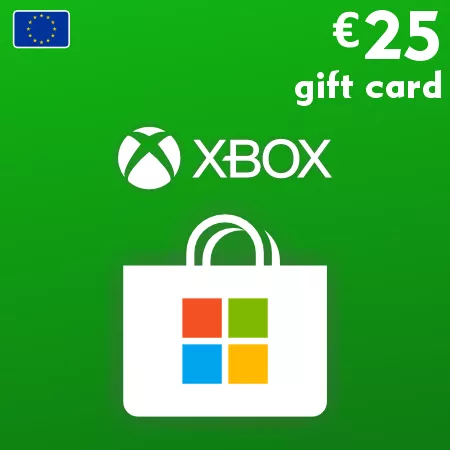
Xbox Gift Card 25 EUR – Europe Digital Code
Digital Delivery
Once your payment has been confirmed, your digital code will be sent to the email address provided at checkout.
 Digital Key
 EU region
Top Up a Microsoft Account with 25 EUR
The Xbox Gift Card 25 EUR converts into 25 EUR of Microsoft account balance after successful redemption. It gives the recipient the flexibility to choose eligible content from Microsoft Store on Xbox, Windows or the web.
As a quarter-hundred denomination, 25 EUR can be convenient for a specific purchase, a combination of smaller items or credit kept for later eligible use. Options may include digital games, DLC, in-game content, apps, films and Xbox-related subscriptions. Store prices and availability can change.
Check Regional Eligibility First
Do not assume that a Europe-labelled code supports every country using euros. Compare the exact code region with the country or region of the Microsoft account before checkout. Redeemed funds remain attached to that account and do not transfer when the account region changes.
Digital Delivery
The code is emailed after payment confirmation. Use the official Microsoft redemption page and verify the displayed 25 EUR value before confirming. This product is account credit only; it does not include a physical card or a specific game.
How to Redeem an Xbox Europe Code
Redeem the code only on the Microsoft account that should receive the balance or subscription. Before starting, confirm that the account country or region is supported by the exact code you purchased.
Redeem Online
- Go to redeem.microsoft.com.
- Sign in to the intended Microsoft account.
- Enter or paste the code from your order email.
- Select Next.
- Read the product, value, plan and duration shown on screen.
- Confirm only if the displayed result is correct.
What Happens After Redemption?
- Xbox Gift Card: the stated EUR amount is added to the Microsoft account balance.
- Game Pass code: the displayed subscription plan and prepaid time are applied to the account.
If the account already has another Game Pass plan, Microsoft may convert the code under its current subscription conversion rules. Check the redemption preview carefully. Do not confirm if the plan or duration differs from what you expected.
If the Code Is Not Accepted
- Check the code for typing errors and remove accidental spaces.
- Confirm that you are signed in to the Microsoft account intended to receive it.
- Compare the account country or region with the product’s supported activation region.
- Check the account order history or Services & subscriptions page to see whether the code was already applied.
- For Game Pass, check whether the current plan, prepaid-time limit or conversion rules affect redemption.
Do not use a VPN or temporarily change the account region to bypass a restriction. If the details are correct but Microsoft still rejects the code, keep the order email and the exact error message when contacting support.