Digital Delivery
Once your payment has been confirmed, your digital code will be sent to the email address provided at checkout.
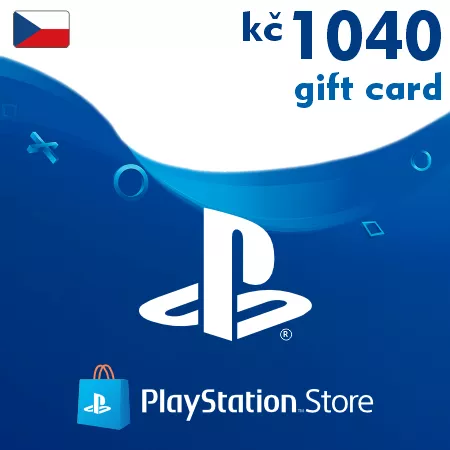
PSN Card 1040 CZK (Czech Republic) – PlayStation Gift Card
Digital Delivery
Once your payment has been confirmed, your digital code will be sent to the email address provided at checkout.

 Digital Key
 EU region
PSN Card 1040 CZK Czech Republic – Strong Wallet Recharge
This 1040 CZK PlayStation gift card is a digital wallet code for Czech PSN accounts. It provides a strong balance for users who regularly buy digital games and PlayStation Store content.
Suitable for Larger Digital Orders
The 1040 CZK denomination gives you enough flexibility for full games, add-on packs, subscription payments, and mixed purchases without relying on several smaller top-ups.
What Can You Spend 1040 CZK On?
- Full digital PlayStation games
- DLC bundles and expansion packs
- PlayStation Plus memberships
- Game editions and special offers
- In-game currency and premium content
Useful Wallet Reserve
A stronger PSN balance helps keep your Czech PlayStation account ready for sales, upcoming releases, and unexpected in-game purchases.
Email Delivery
The code is delivered electronically after payment confirmation. Most orders are processed automatically and sent to your email shortly after checkout.
Czech Republic Compatibility
Important: this PlayStation wallet code can only be redeemed on accounts registered in the Czech Republic.
It cannot be activated on PlayStation accounts from other regions.
Frequently Asked Questions
Can I use this for full game purchases?
Yes, the wallet balance can be used for eligible full games and other PlayStation Store content.
Is this a digital product?
Yes, this PSN code is delivered electronically by email.
Can I add it to an existing wallet balance?
Yes, the amount is added to the balance already available on your account.
How to Redeem a Czech PSN Gift Card
- Sign in to your PlayStation account
- Open the PlayStation Store
- Select Redeem Codes
- Enter your PSN code
- Confirm activation and the balance will be added to your wallet
Important: this code can only be redeemed on PlayStation accounts registered in the Czech Republic.
You can activate your code through your PlayStation console or via the official PlayStation Store website.