Digital Delivery
Once your payment has been confirmed, your digital code will be sent to the email address provided at checkout.
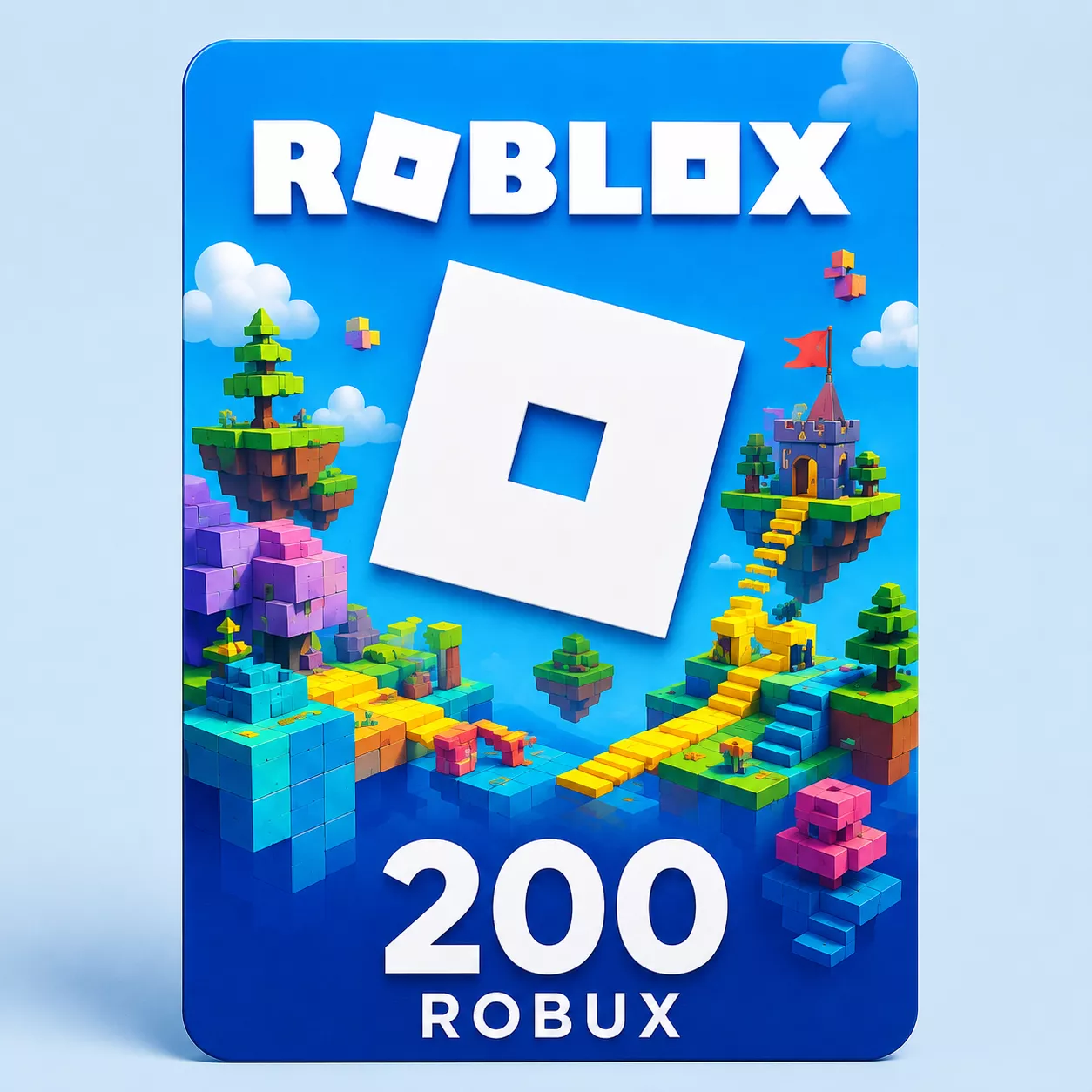
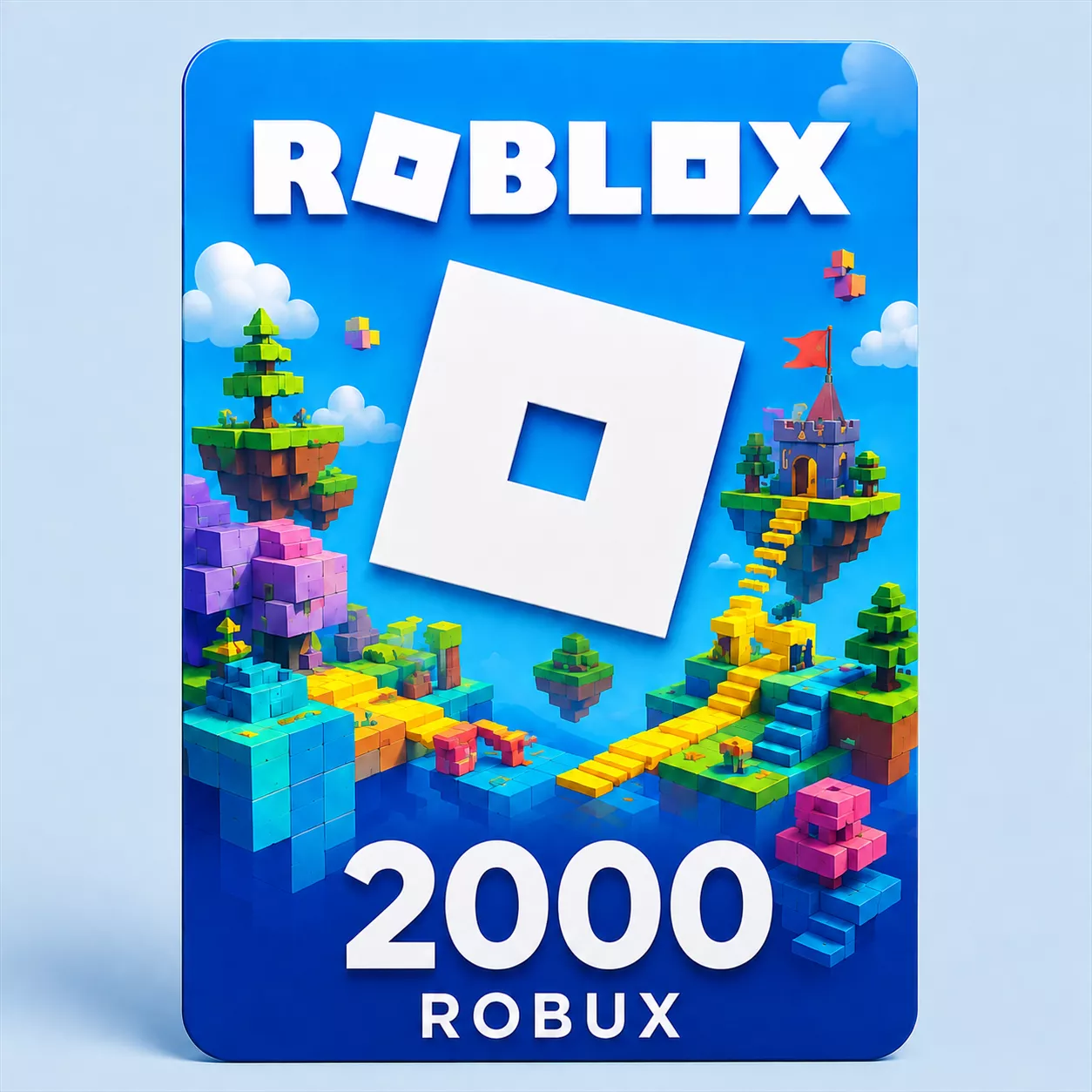
Roblox 2,000 Robux Gift Card – Global Digital Code
Digital Delivery
Once your payment has been confirmed, your digital code will be sent to the email address provided at checkout.
 Digital Key
 World Wide
Build a 2,000 Robux Balance
This Global digital gift card adds 2,000 Robux to the Roblox account selected at redemption. The round-number denomination is useful when the desired result is a defined balance rather than local-currency credit.
Spend the Robux on eligible Marketplace products or content offered inside Roblox experiences, such as passes, items and special abilities. The product itself does not include or endorse a particular experience, and creators set their own content prices.
Fixed Robux Without Premium
The code redeems directly for 2,000 Robux. It does not add Roblox Credit, activate Premium or create an automatic renewal. Check the existing account balance and the current price of the intended content when choosing a denomination.
Secure Digital Delivery
The code is sent by email after payment confirmation. Enter it only at roblox.com/redeem while signed in to the correct account. Do not share the unused code publicly because it can be claimed only once.
How to Redeem a Roblox Robux Gift Card
Use the code only on the Roblox account that should receive the Robux. A redeemed code and its Robux cannot normally be moved to another personal account.
Redeem in a Web Browser
- Open roblox.com/redeem in a web browser.
- Sign in and confirm that the displayed Roblox account is the intended recipient.
- Enter the digital gift-card code from the order email.
- Select Redeem.
- Wait for the success message.
- Refresh the page or open the Robux balance to verify that the amount named in the product was added.
Gift-card redemption is not available in the standard Roblox mobile app or on consoles. Use a browser on a phone, tablet or computer. Roblox currently also allows Samsung Galaxy users to redeem through the Redeem tile in the Samsung version of its mobile app.
If the Code Shows an Error
- Type the code again and remove any spaces before or after it.
- Check characters that can look alike, including 0/O, 1/I, 2/Z, 5/S, 6/G/Q and 8/B.
- Confirm that you are signed in at roblox.com/redeem, not entering the code into an experience or an unrelated website.
- Check the account balance and transaction history in case the code was already applied.
- Save a screenshot of the exact error message for customer support.
Keep the code private and never post it in a chat, screenshot or public support thread. If help is required, provide sensitive code details only through the retailer’s or Roblox’s secure support channel.