Digitale levering
Zodra je betaling is bevestigd, wordt je digitale code verzonden naar het e-mailadres dat je bij het afrekenen hebt opgegeven.
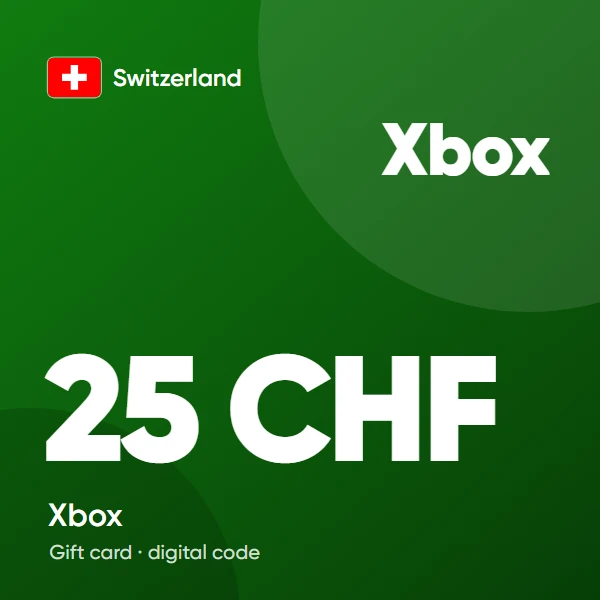
Xbox-Cadeaukaart 25 CHF – Digitale Code Zwitserland
Digitale levering
Zodra je betaling is bevestigd, wordt je digitale code verzonden naar het e-mailadres dat je bij het afrekenen hebt opgegeven.
 Digital Key
 EU region
How to Redeem a Switzerland Xbox Gift Card
Before activation, sign in to the Microsoft account that should receive the balance and confirm that its country or region is Switzerland. Check the existing account balance so the redemption does not exceed Microsoft’s current limits.
Redeem the Code Online
- Go to redeem.microsoft.com.
- Sign in to the intended Switzerland Microsoft account.
- Enter or paste the 25-character code from the order email.
- Select Next.
- Check that Microsoft displays the expected CHF value.
- Confirm the redemption only if the account and value are correct.
After successful redemption, the full gift-card value is added to the account balance. It can then be used for eligible purchases through participating Microsoft digital stores.
If the Code Is Not Accepted
- Check every character and remove spaces copied before or after the code.
- Confirm that the account country or region is Switzerland.
- Make sure you are signed in to the account that should receive the funds.
- Review the balance and order history in case the code was already applied.
- Check whether the 3,000 CHF balance ceiling or another Microsoft limit has been reached.
- Keep the exact error message when contacting support.
Do not use a VPN or temporary region change as a workaround. Redeemed CHF balance cannot be converted into another currency or transferred to another Microsoft account.