Digital Delivery
Once your payment has been confirmed, your digital code will be sent to the email address provided at checkout.
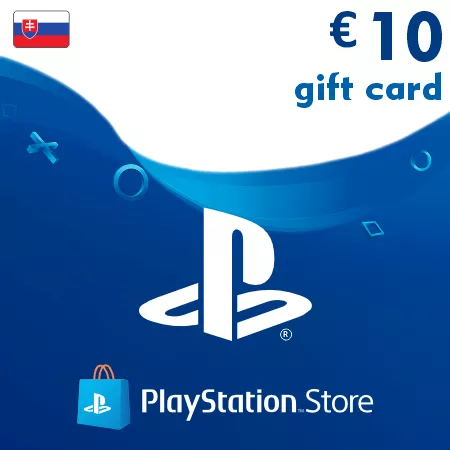
PSN Card 10 EUR (Slovakia) – PlayStation Gift Card
Digital Delivery
Once your payment has been confirmed, your digital code will be sent to the email address provided at checkout.

 Digital Key
 EU region
PSN Card 10 EUR Slovakia – Quick PlayStation Wallet Top-Up
This 10 EUR PlayStation gift card is a digital wallet code for PlayStation accounts registered in Slovakia. Once redeemed, it adds EUR balance to your PSN wallet for eligible purchases in the Slovak PlayStation Store.
Useful for Small Purchases and Extra Balance
The 10 EUR denomination is a convenient option when you need wallet credit for DLCs, discounted games, in-game items, PlayStation Plus payments, or a small amount to complete a larger purchase.
What Can You Use 10 EUR For?
- DLC packs, expansions, and game add-ons
- Games and bundles during PlayStation Store sales
- PlayStation Plus purchases and renewals
- In-game currency, cosmetics, and premium items
- Additional wallet funds for combined payments
Digital Delivery by Email
After successful payment confirmation, your PSN wallet code is delivered electronically to your email address. Most orders are processed automatically and can usually be redeemed shortly after checkout.
Slovakia Account Compatibility
Important: this PSN card works only with PlayStation accounts registered in Slovakia.
Slovak PlayStation codes are region-locked and cannot be redeemed on accounts from other countries. Please check your account region before purchasing.
Why Choose the 10 EUR Slovakia PSN Card?
This smaller value is practical for controlled spending, quick add-ons, PlayStation Store discounts, and users who want a prepaid top-up without adding a larger balance than needed.
Frequently Asked Questions
Can this card be used for DLC?
Yes, wallet funds can be used for eligible DLCs, expansions, add-ons, and other PlayStation Store content.
Is this code delivered online?
Yes, this is a digital PlayStation wallet code delivered by email.
Can I add it to my existing wallet balance?
Yes, the redeemed amount is added to your current PlayStation wallet funds.
How to Redeem a Slovakia PSN Gift Card
- Sign in to the PlayStation account where you want to add the EUR wallet balance
- Confirm that the account region is set to Slovakia
- Open the PlayStation Store on your console or through a web browser
- Go to the redeem code section in the store menu
- Enter your PSN code exactly as received
- Confirm the redemption to add the funds to your PlayStation wallet
Region notice: Slovakia PSN codes are region-locked and can only be activated on PlayStation accounts registered in Slovakia.
After successful redemption, the wallet balance can be used for eligible games, subscriptions, add-ons, and other digital content in the Slovak PlayStation Store.