Digital Delivery
Once your payment has been confirmed, your digital code will be sent to the email address provided at checkout.
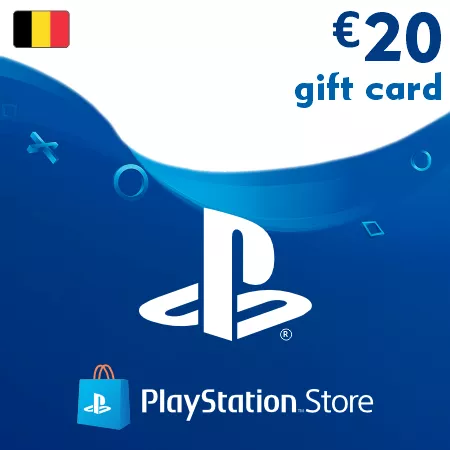
PSN Card 20 EUR (Belgium) – PlayStation Gift Card
Digital Delivery
Once your payment has been confirmed, your digital code will be sent to the email address provided at checkout.

 Digital Key
PSN Card 20 EUR Belgium – Instant Wallet Credit
This 20 EUR PlayStation gift card is a digital wallet code for PlayStation accounts registered in Belgium. It adds a useful amount of EUR balance for games, subscriptions, add-ons, and everyday PlayStation Store purchases.
Practical for Games, DLCs, and Store Offers
The 20 EUR denomination is a balanced option for players who want wallet credit for discounted games, DLC packs, in-game content, PlayStation Plus payments, or several smaller digital purchases.
What Can You Buy with 20 EUR?
- PlayStation Store games and discounts
- DLC packs and downloadable add-ons
- PlayStation Plus purchases and renewals
- In-game currency and premium items
- Digital bundles and limited-time offers
Instant Digital Delivery
After successful payment confirmation, your PlayStation wallet code is delivered electronically to your email address. Most orders are processed automatically and can be redeemed shortly after checkout.
Belgium Account Compatibility
Important: this PSN card works only with PlayStation accounts registered in Belgium.
Belgian PlayStation codes cannot be redeemed on accounts registered in other countries or regions.
Frequently Asked Questions
Can this balance be used for PlayStation Plus?
Yes, wallet funds can be used for eligible PlayStation Plus purchases and renewals.
Is this code delivered digitally?
Yes, this is a digital PlayStation wallet code delivered by email.
Can I combine it with another PSN card?
Yes, multiple wallet codes can be redeemed on the same Belgian PlayStation account.
How to Redeem a Belgium PSN Code
- Sign in to the PlayStation account where you want to add the EUR wallet balance
- Make sure the account region is set to Belgium
- Open the PlayStation Store from your console or web browser
- Go to the code redemption section
- Enter the PSN code exactly as received
- Confirm the redemption to add the funds to your wallet
Region notice: Belgium PSN codes are region-locked and can only be activated on PlayStation accounts registered in Belgium.
After successful redemption, the wallet balance can be used for eligible games, add-ons, subscriptions, and other digital content in the Belgian PlayStation Store.