Digital Delivery
Once your payment has been confirmed, your digital code will be sent to the email address provided at checkout.
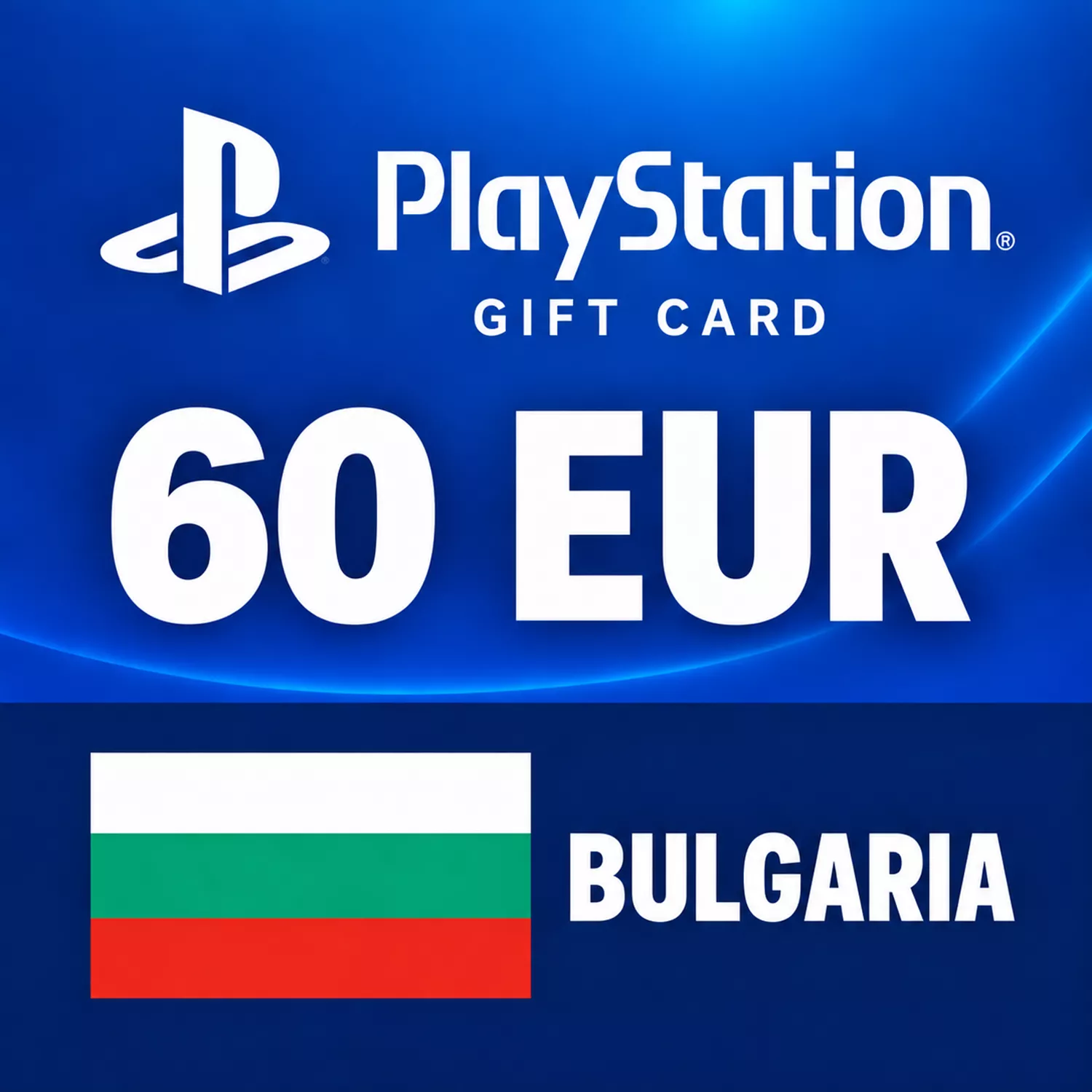
PlayStation Store Gift Card 60 EUR – Bulgaria
Digital Delivery
Once your payment has been confirmed, your digital code will be sent to the email address provided at checkout.
 Digital Key
60 EUR for Your Bulgarian PlayStation Wallet
Add €60 to a Bulgarian PlayStation wallet with a prepaid digital code. Use the credit for a purchase you have planned or leave the unused balance available for another Store order.
- Wallet credit: 60 EUR (€60)
- Account country: Bulgaria
- Format: Digital wallet top-up
- Delivery: Email after payment confirmation
A gift card's face value does not indicate the price of any particular game. Compare this amount with the Store's current price and the balance already on your account before buying.
Region check: Your PlayStation account must be registered in Bulgaria. A different account country is not compatible simply because its Store also uses euros.
What can I buy with the credit?
Spend it on eligible games, add-ons and other digital purchases in PlayStation Store. For PlayStation Plus, check the selected plan's purchase requirements; this card adds funds rather than a fixed subscription term.
Do I need to spend the full 60 EUR at once?
No. After the top-up, you can use your wallet balance across eligible purchases rather than spending the full amount in a single order.
How to Redeem Your PSN Bulgaria Gift Card
Check that you are using the intended PlayStation account and that its country is Bulgaria. In Account Management, open Your Information and view the country under Residential Address. Account countries cannot be changed after registration.
Using a Web Browser
- Sign in at PlayStation Store.
- Open your profile menu and choose Redeem Code.
- Enter the 12-character voucher code from your order and select Continue.
- Follow any confirmation prompts, then check that the wallet credit has been added.
On PS5
Open PlayStation Store, press the triangle button, then choose ... (More) > Redeem Code. Enter your voucher and select Redeem.
On PS4
Open PlayStation Store and select Redeem Codes at the bottom of the sidebar. Enter the voucher, select Continue and confirm.
In the PlayStation App
Open the PS Store tab, open its menu and select Redeem Code. Enter the voucher and continue.
Important Checks
- A voucher is single-use. Redeemed funds cannot be moved to another account.
- For a child account, redeem the wallet voucher on the family manager's account and set the child's spending allowance.
- For a large top-up, check your existing balance and current wallet limits first.
If redemption fails, check the code and account country, review your transaction history and consult PlayStation service status. For a delivery problem, contact the store with your order reference. For an account or redemption issue, follow PlayStation's voucher troubleshooting guide. Keep the full code private.