Digital Delivery
Once your payment has been confirmed, your digital code will be sent to the email address provided at checkout.
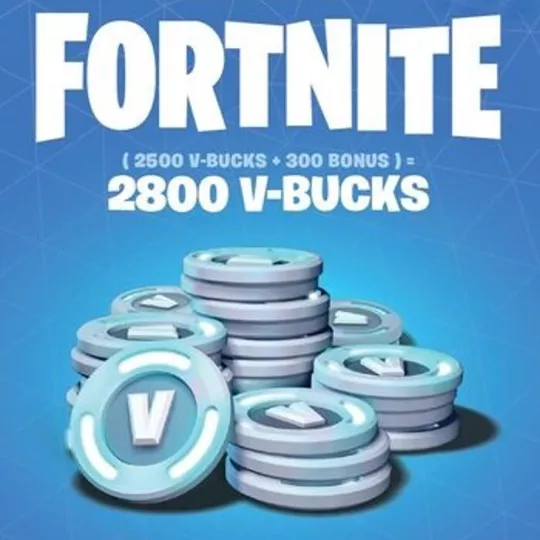
Fortnite - 2800 V-Bucks Gift Card Global Key
Digital Delivery
Once your payment has been confirmed, your digital code will be sent to the email address provided at checkout.
 Digital Key
 World Wide
Buy Fortnite - 2800 V-Bucks Gift Card Global Key
Level up your Fortnite experience with the Fortnite - 2800 V-Bucks Gift Card Global Key. Whether you're looking to unlock the latest skins, emotes, or Battle Passes, this gift card provides the perfect boost to enhance your gameplay. V-Bucks are your all-access pass to enjoy the premium content that Fortnite has to offer, setting you apart from average gamers. Take advantage of this offer and immerse yourself in Fortnite’s vibrant world with unique customizations.
Features and Benefits
- Receive 2800 V-Bucks to spend on Fortnite exclusives.
- Instant global key delivery ensures you can start using your V-Bucks right away.
- A perfect gift for both casual players and Fortnite enthusiasts.
- Access a wide range of in-game assets and experience Fortnite like never before.
How to Activate Your Fortnite - 2800 V-Bucks Gift Card
Follow these simple steps to redeem your V-Bucks and begin enjoying Fortnite's premium content:
- Visit the official Epic Games website or open the Fortnite game on your console or PC.
- Log in to your Epic Games account. If you don't have an account, you can easily create one by selecting "Sign Up."
- Navigate to the "V-Bucks" section of the game menu or account settings.
- Select "Redeem Code" and enter the 16-digit code featured on your V-Bucks gift card.
- Confirm the code and wait for the confirmation message indicating successful redemption.
- Check your V-Bucks balance to ensure it has been updated.
Explore More V-Bucks Options
If you’re looking for different denominations, consider these alternatives to suit your needs: the Fortnite - 1000 V-Bucks Gift Card Global Key for more basic upgrades, or the Fortnite - 5000 V-Bucks Gift Card Global Key for a more extensive selection of premium content.
Secure your Fortnite - 2800 V-Bucks Gift Card Global Key today and step into the world of Fortnite with a fully personalized and competitive edge. Buy now and enjoy enhanced gameplay like never before!
How to Redeem a Fortnite Gift Card
These instructions apply to Fortnite gift cards with a monetary value in EUR, USD or GBP, not legacy V-Bucks cards. Before starting, check that your Epic account country or region is eligible for the card and that your account balance uses the matching currency.
- Open epicgames.com/redeem in a web browser and enter the digital code from your order when prompted.
- Sign in to the Epic Games account you use for Fortnite. You can use the relevant console sign-in option if you normally play on a console.
- Check the displayed account details carefully before continuing. If prompted, confirm your linked platform accounts and accept the Epic account balance terms.
- Review the card details, then select Redeem now to add the funds to your Epic account balance.
- To buy V-Bucks or other eligible content, visit the Epic Games Store or Fortnite on a supported PC or mobile device. Choose your purchase and select Account Balance at Epic's checkout.
Redeeming the card adds credit; it does not automatically purchase V-Bucks. Check the final price and available balance before confirming a purchase. Redeemed funds cannot be transferred to another Epic account.
Nintendo Switch and Switch 2: V-Bucks purchased through Epic do not appear in your Nintendo V-Bucks balance. You can spend them in the Fortnite web Item Shop; purchased items are accessible in Fortnite on Nintendo when the same Epic account is linked.
If activation fails, check the code, account region and currency before trying again. Contact the store about an order or code issue, or Epic Games Support about account or redemption errors. Never share your account password.