Digital Delivery
Once your payment has been confirmed, your digital code will be sent to the email address provided at checkout.
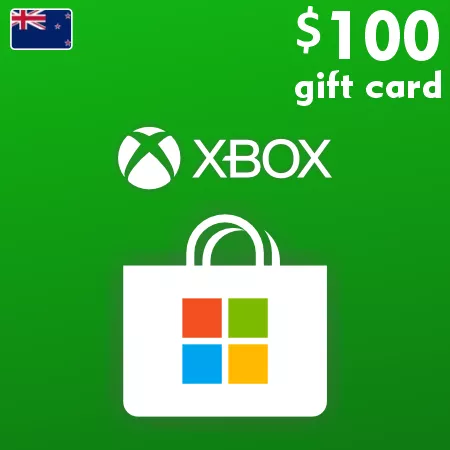
Xbox Live Gift Card 100 NZD - Xbox Key New Zealand
 Digital Key
Buy Xbox Live Gift Card 100 NZD Xbox Live Key NEW ZEALAND
Elevate your gaming experience with the Xbox Live Gift Card 100 NZD Xbox Live Key NEW ZEALAND. This versatile digital gift card is your ticket to accessing a vast library of games, movies, and more on the Xbox Store. Whether you're looking to purchase the latest blockbuster game or subscribe to premium services, this card provides the convenience you desire.
Features & Benefits
- Instant delivery: No need to wait—receive your digital code directly after purchase.
- Versatile spending: Use your gift card for games, add-ons, and subscriptions on both Xbox and Windows Store.
- No expiration: Your funds never expire, allowing you to save for future purchases.
- Hassle-free gifting: Ideal for friends and family, it’s the perfect present for any Xbox enthusiast.
Why Choose the 100 NZD Value?
The 100 NZD denomination offers substantial purchasing power to explore the Xbox ecosystem extensively. Secure premium content without compromising on quality. Discover exclusive titles, delve into competitive online play, or add the best entertainment experiences with ample funds at your disposal.
Activation Guide
Follow these steps to redeem your Xbox Live Gift Card:
- Sign in to your Xbox account on your console or via the Xbox app.
- Navigate to the "Store" section.
- Select "Use a code" option.
- Enter the 25-character code that you received.
- Press "Next" and confirm to redeem your card.
- Your account will be credited with 100 NZD, ready for use.
Pair with Other Denominations
Consider expanding your purchasing options by combining this card with other denominations. Check out the Xbox Live Gift Card 50 NZD Xbox Live Key NEW ZEALAND or the Xbox Live Gift Card 15 NZD Xbox Live Key NEW ZEALAND for more flexibility.
SEO Keywords
Buy Xbox Live Gift Card 100 NZD, Xbox Live Key NEW ZEALAND, Xbox gift card, Xbox store card, redeem Xbox code, Xbox game purchases, Xbox digital gift